
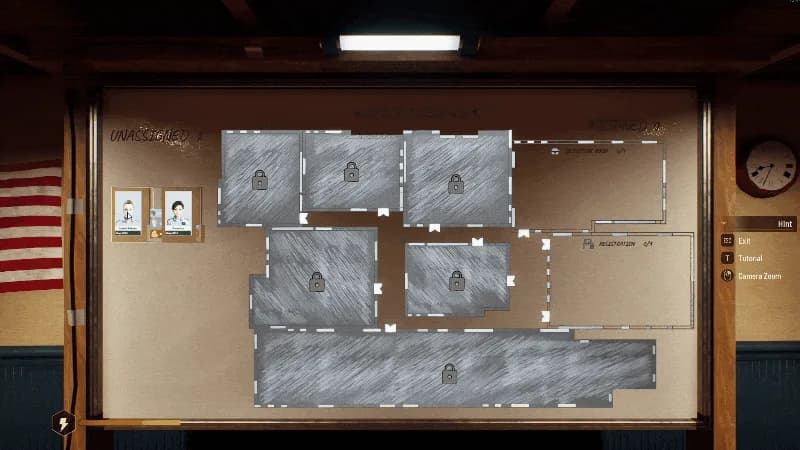
Assign using the current interface
Use this board's current prompts and inspect the selected worker and destination. Do not copy the Briefing Board's documented right-click assignment onto this different interface. Check your current controls rather than assuming the two boards share every input.
Check availability separately
Locked-officer and newly hired staff stat icons received corrections in #6–#8. Cross-check the actual employee and assignment if an icon appears inconsistent. Avoid concluding a role is unlocked from an icon alone.
A locked board or a stuck worker?
For a board that should be available but is locked, compare #20. For a worker unable to reach equipment, review the staff access guide. Board zoom is another independent symptom with its own #6 evidence.
Patch evidence
Updated . Historical demonstrations retain their original dates; a patch label is not a numeric build ID.
Frequently asked questions
Does patch #6 verify right-click assignment on this board?
No. The right-click addition explicitly names the Briefing Board. #6's Worker Assignment Board corrections concern zoom and icons; use the current prompts for its assignment controls.