
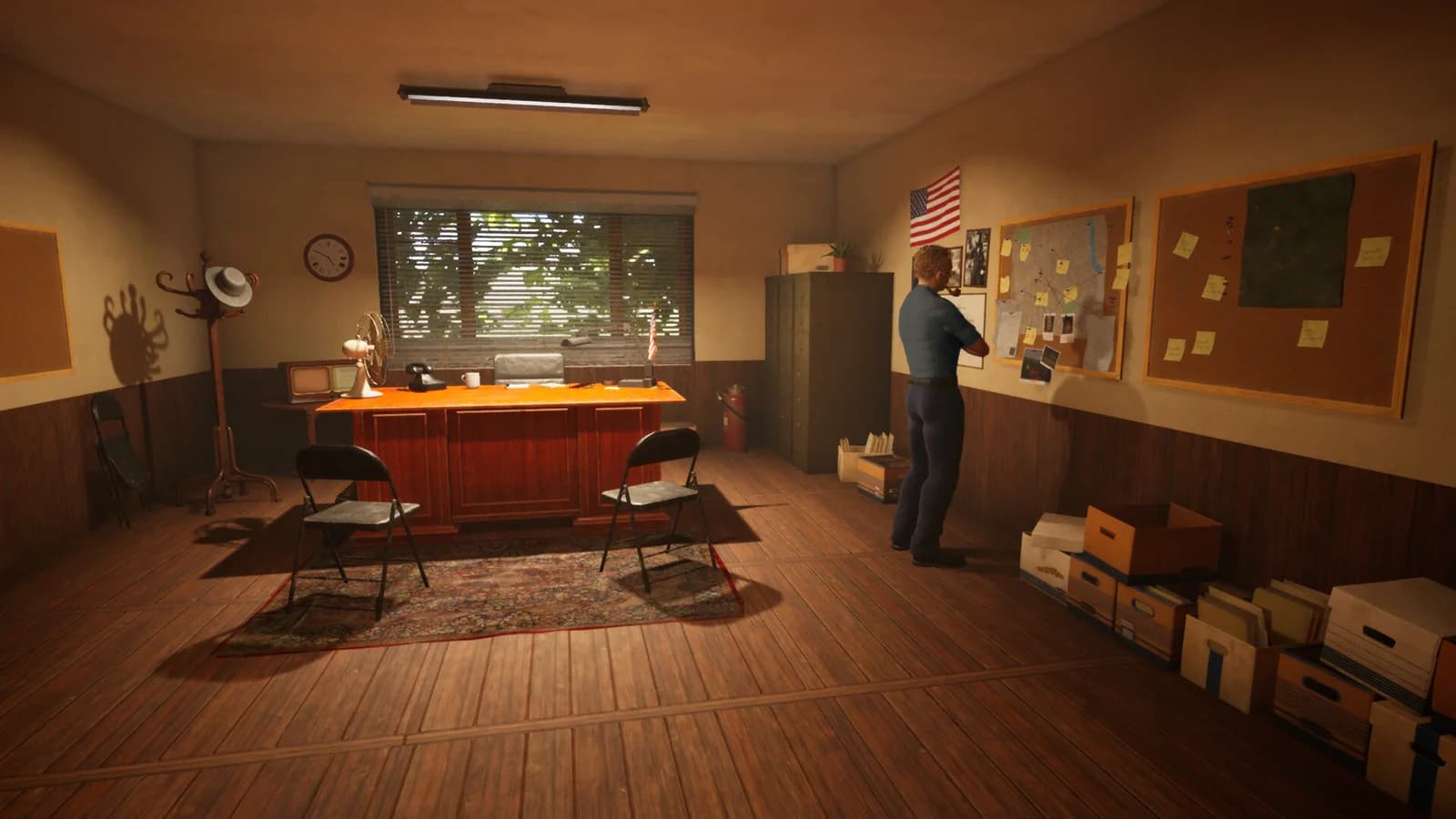
Three checkpoints to distinguish
Transport concerns reaching the Briefing Room with the expanded case. Pickup concerns taking the correct case from its container. Placement concerns putting it on the board. The notes name these separately; repeating the wrong step may not test the reported problem.
- Read the objectiveRecord the exact wording and the case label.
- Identify the containerNote whether the case is handled directly or through a Documents Box.
- Compare after the interactionCheck both the file's location and the objective state after updating.
Keep the document trail
Do not discard case files to force a reset. Preserve the file, box and board state in screenshots if reporting a recurrence. A failed objective update and a physically missing document need different descriptions.
What is not verified
The patches do not establish that the box expands, solves or closes a case automatically. Named-case solutions and a full expanded-case catalog remain withheld until there is enough evidence for a useful walkthrough.
Patch evidence
Updated . Historical demonstrations retain their original dates; a patch label is not a numeric build ID.
Frequently asked questions
Does the Documents Box expand the case for me?
The verified fixes concern handling an already expanded case. They do not say the box performs investigation, expansion or closure automatically.