
Status and safe next action
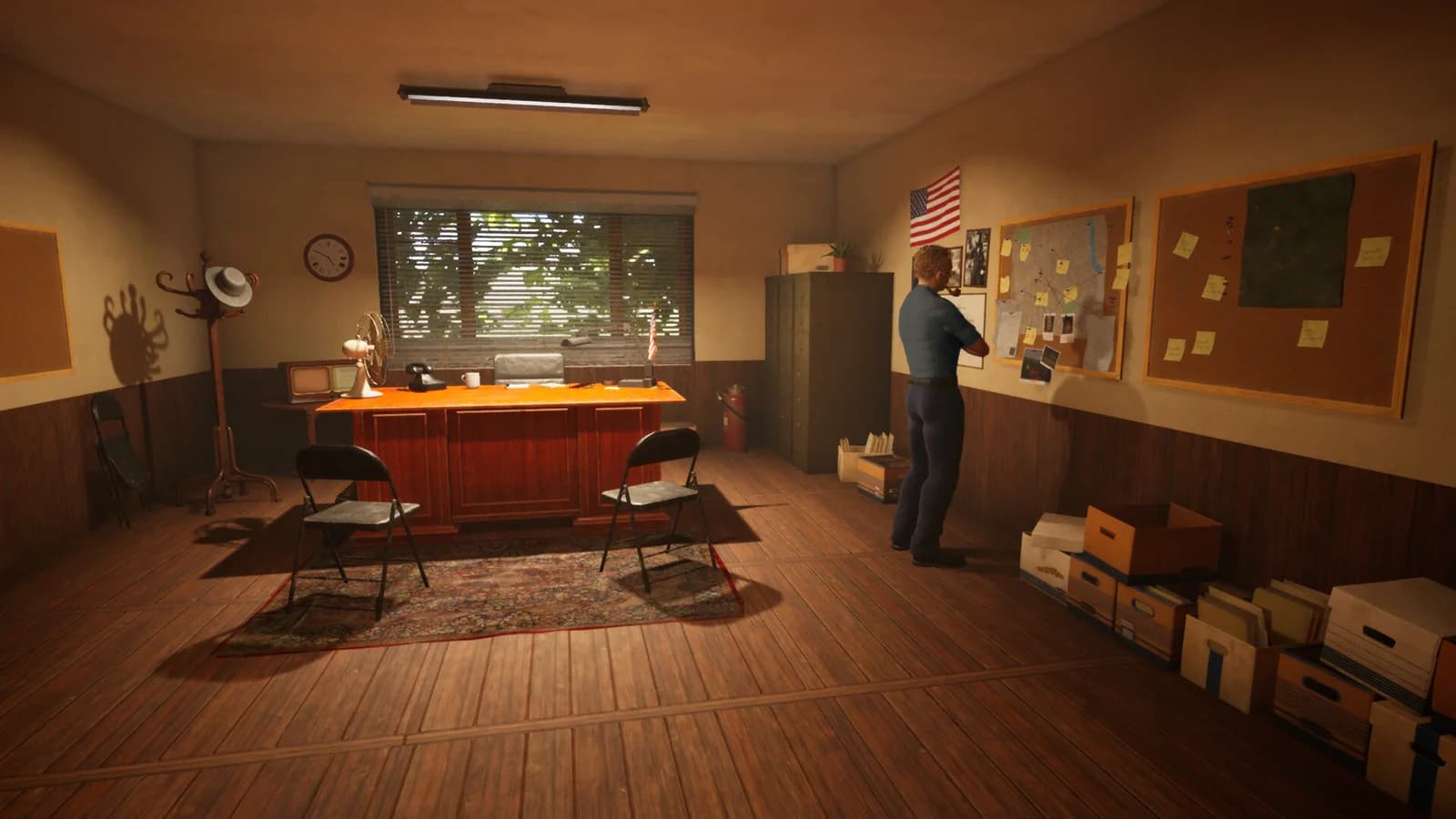
Note whether the failure occurs at the detective workstation, cabinet, or Briefing Board and whether you are using a Documents Box. Match the objective on screen, update and retry that interaction. Preserve the file instead of disposing of it.
- Issue status
- OFFICIALLY FIXED
- Relevant patches
- #10, #14, #18
- Product
- Full Version · Steam App 2938460
What the official evidence does not promise
A board that lacks a valid prepared case is not automatically affected by the Documents Box bug. No generic reset command or guaranteed puzzle solution is established.
Check, compare and report
If the exact symptom persists after updating, preserve the affected save and report its context through the game's bug reporter or the developer support link in the official announcement. A recurrence report remains separate from the historical patch status.
- Record the failure pointFor case board not working, include the exact object, screen or action involved; distinguish it from other cases problems.
- Retest the same sequenceFinish the Steam update and relaunch. Note the installed build and whether the save already had the problem before updating.
- Preserve evidenceKeep a backup and a screenshot or short sequence of steps. Do not delete progress or install an unofficial save editor as a generic fix.
Patch evidence
Updated . Historical demonstrations retain their original dates; a patch label is not a numeric build ID.